Turn Any Website Into a Lead List
Paste a URL, describe your leads, and get a clean CSV in seconds
Real Lead Gen Workflows You Can Automate
Skip manual copy/paste. Extract leads directly from the source.
Scrape B2B directories
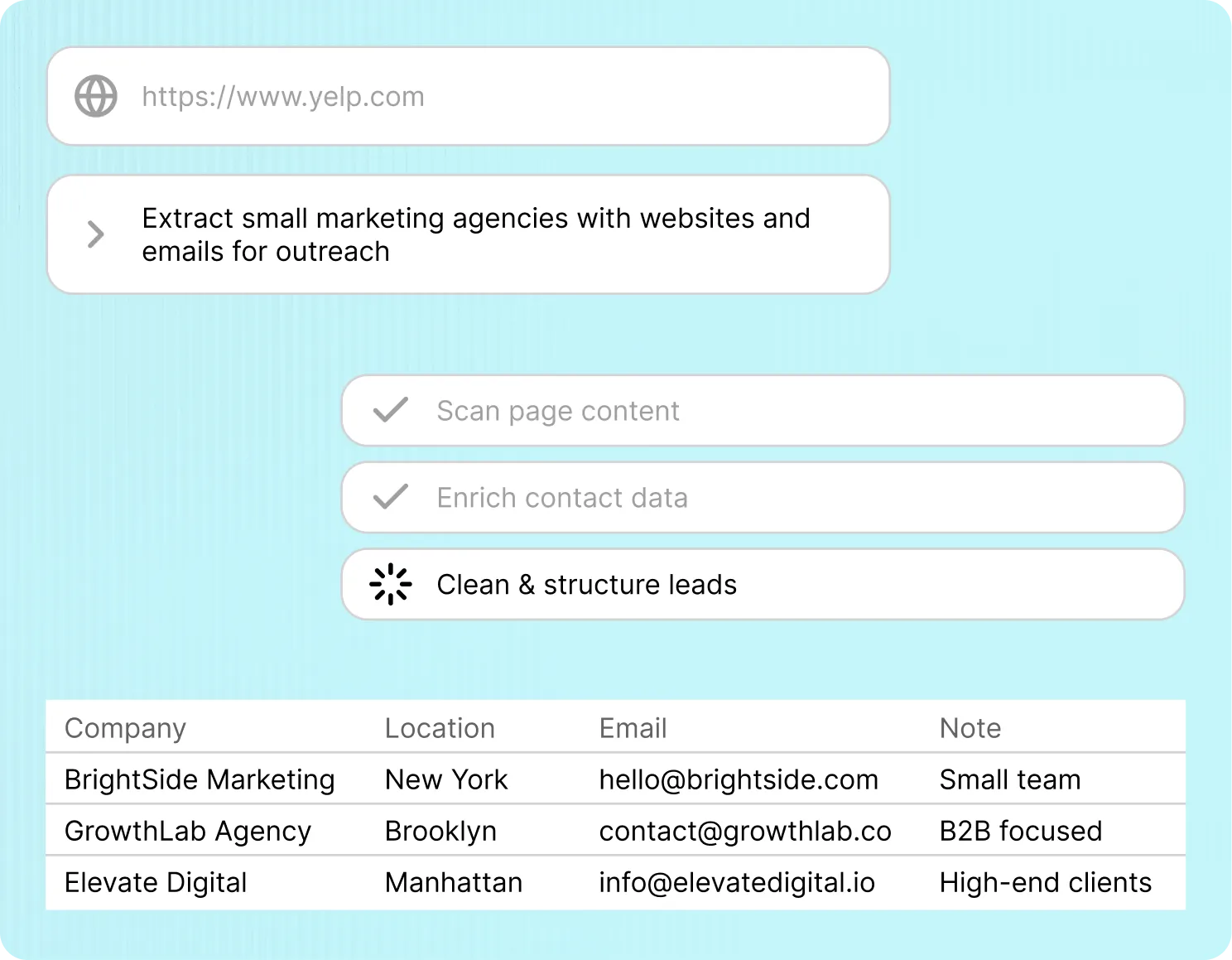
Extract company names, websites, emails, and phone numbers from directories like Clutch or Yelp. Handle pagination automatically.
Build outbound lists from LinkedIn
Pull names, job titles, companies, and profile URLs from LinkedIn search results or groups. Structure everything into a clean table.
Extract leads from Google Maps
Get business names, addresses, phone numbers, websites, and reviews from Maps results across multiple pages.
Scrape event attendee lists
Extract attendee names, roles, and companies from event websites or conference pages for targeted outreach.
Collect SaaS prospects from review sites
Pull company data from platforms like G2 or Capterra. Identify potential customers or competitors instantly.
Enrich agency prospect lists
Start from a niche directory, extract company names and URLs, then follow links to collect additional data from each website.
Frequently asked questions
Do I need to configure selectors or scraping rules? +
No. You just paste a URL and describe the data you want. The AI handles extraction and structure automatically.
Can it handle pagination and multiple pages? +
Yes. It detects and follows pagination or relevant links to gather data across multiple pages.
What kind of data can I extract? +
Any visible data on the page. Common fields include names, emails, phone numbers, company info, and URLs.
Is the output ready to use? +
Yes. You get a clean table and CSV file, ready for CRM import or outreach.
Will this work on any website? +
It works on most public websites, including directories, listings, and search results.
Stop Copy-Pasting Leads
Get structured lead lists from any site in minutes. Try it before your competitors do.